Tasks are the front door
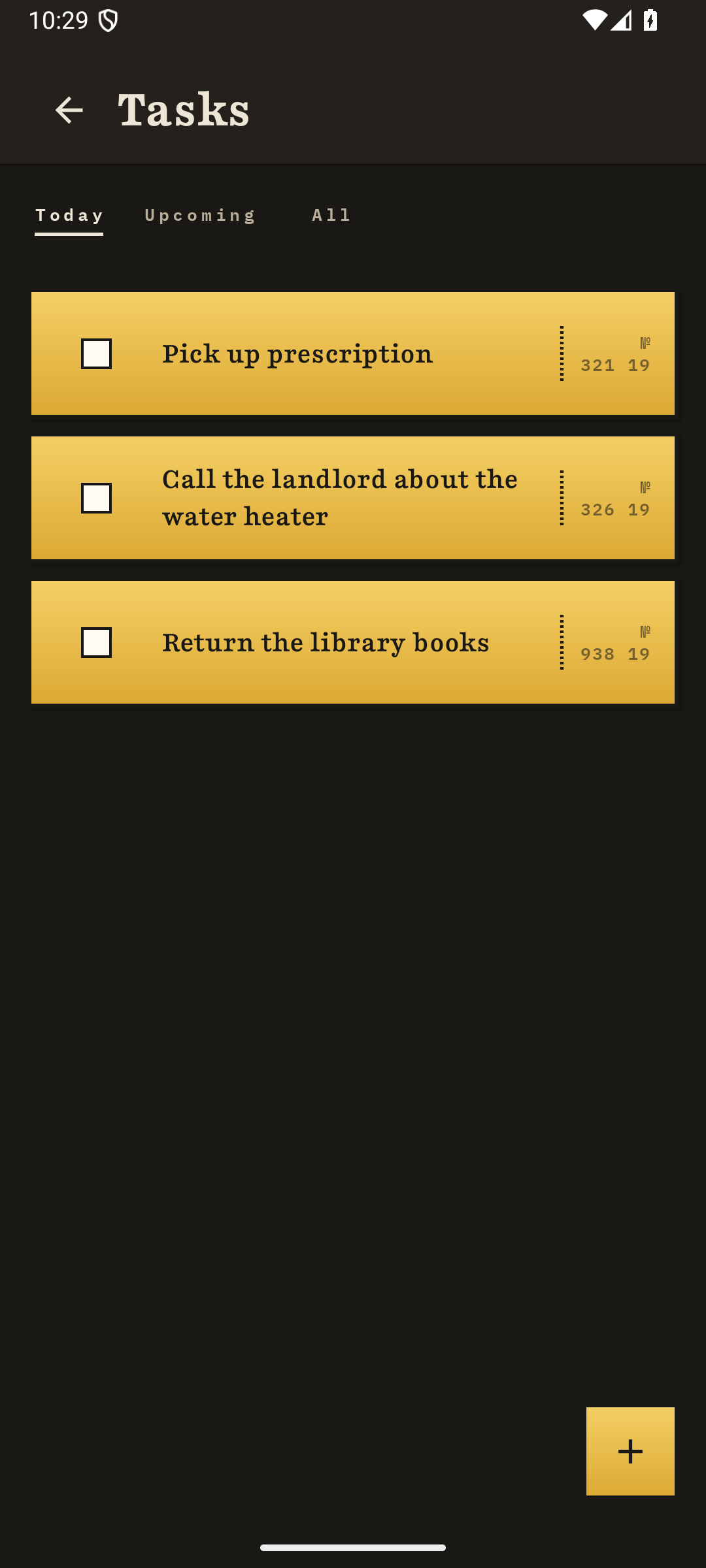
Create, edit, complete, and snooze tasks with ordinary controls. Or describe the task in conversation and let Hugo put it on the list with a reminder.
Hugo
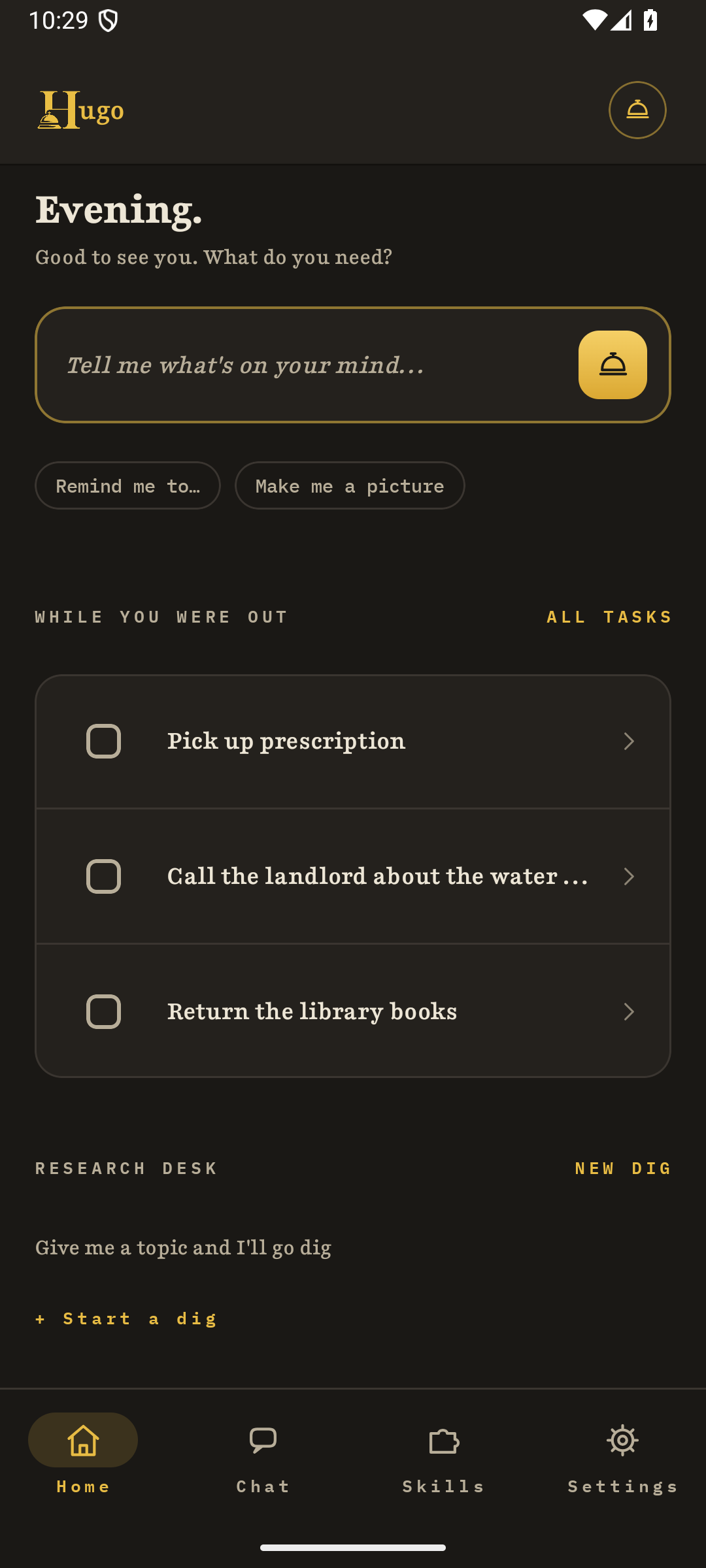
A task halfway through dinner. A useful thought while leaving the house. Three loose notes that might be a plan. Hugo is private practical help for catching the mess and turning it into something you can use on your Android phone.
Hugo is an Android app for tasks, notes, and conversation, built for people who do not want an account or a cloud server involved. It runs its language model on the phone itself, and it is unreleased software still in development, not available on the Play Store or any other app store.
On the desk now
Hugo is being built as one connected place for the work that usually scatters across a task app, a chat window, and a pile of notes. The Android implementation is active, but it is not a public release yet.
Create, edit, complete, and snooze tasks with ordinary controls. Or describe the task in conversation and let Hugo put it on the list with a reminder.
Talk through a knot, break it into pieces, or leave it as a conversation. Not every thought has to become a task, and planning does not need a productivity sermon attached.
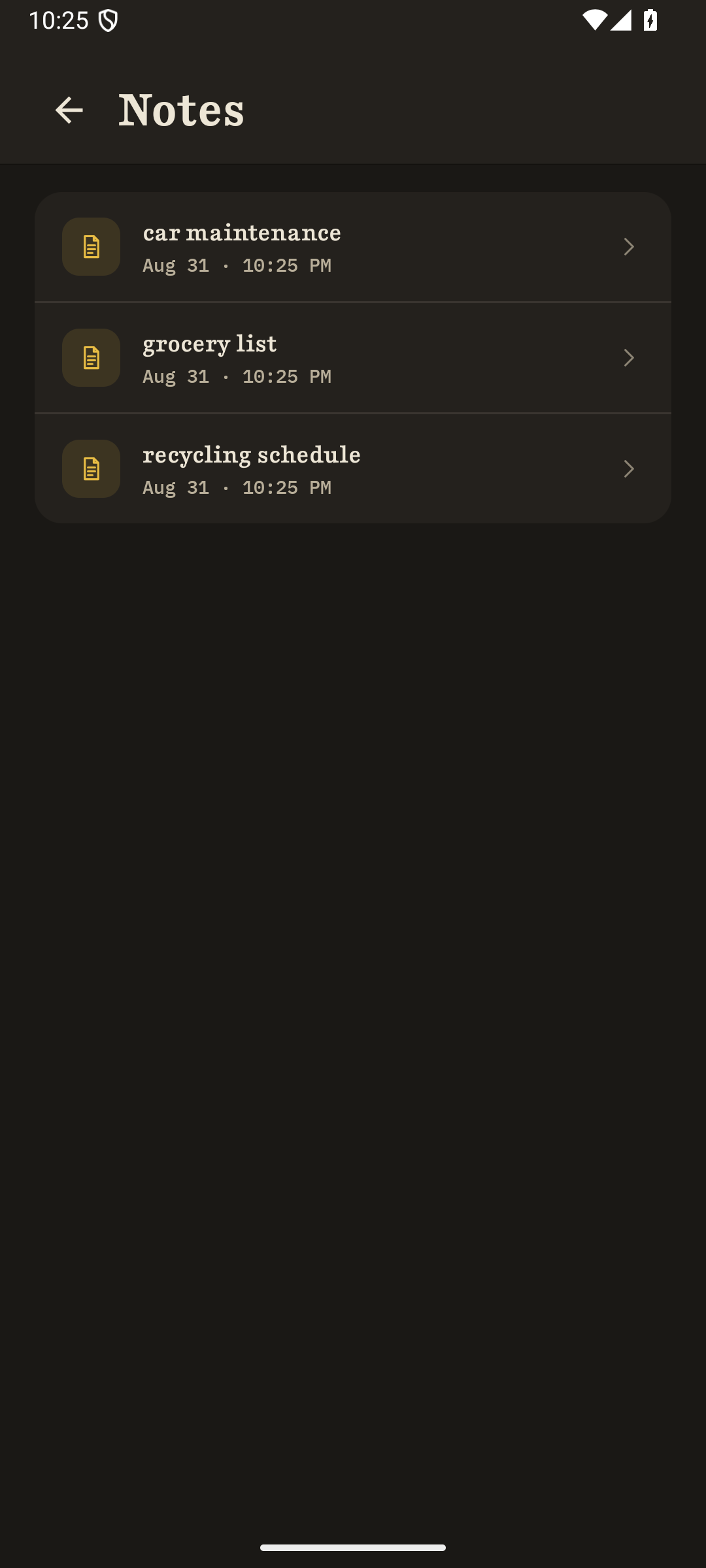
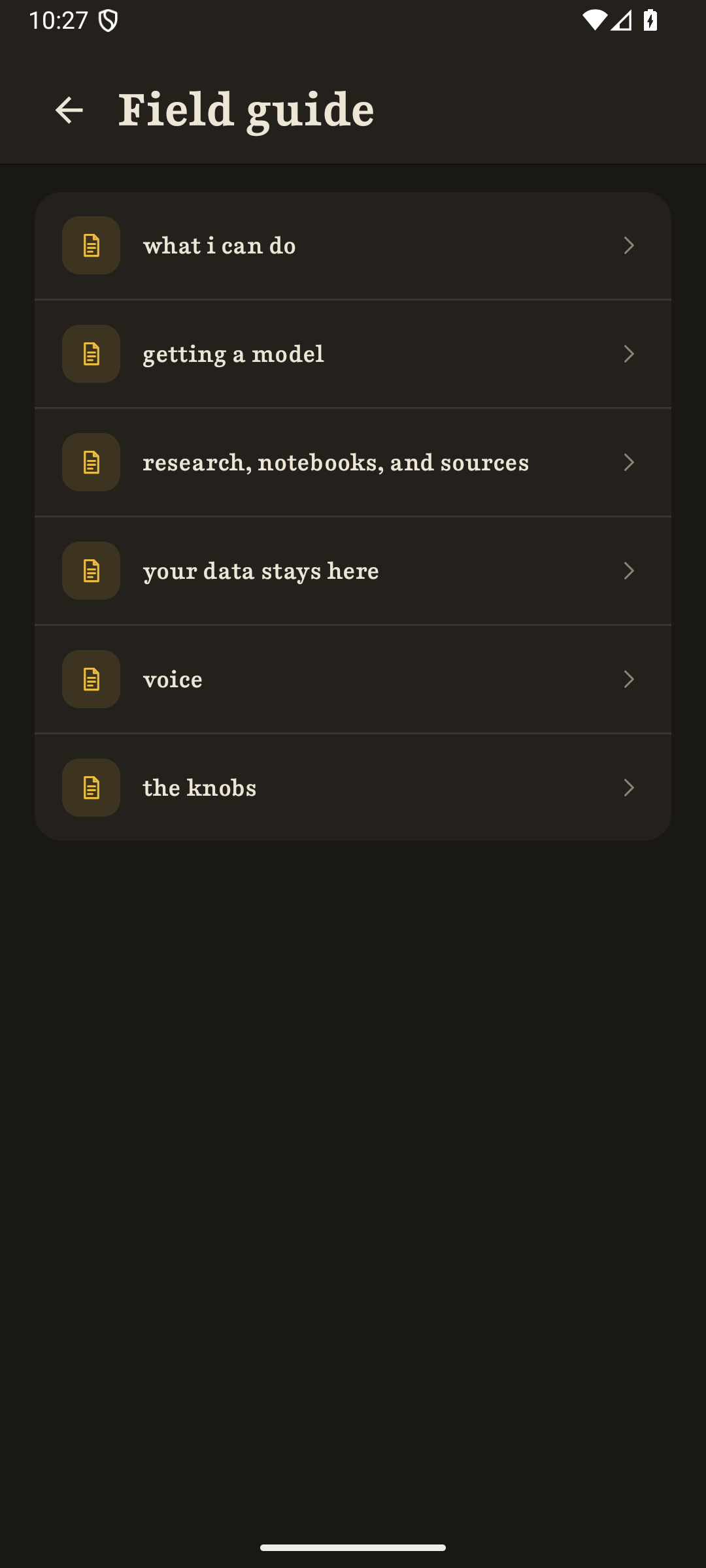
Keep markdown notes on the phone, bring documents into Hugo, and ask questions against your local material. The notes are plain files you can copy and share outside the app.
Ask for a small research pass, review which sources should come in, and keep the result as a cited note. Hugo does desk work with you, not an endless unsupervised crawl.
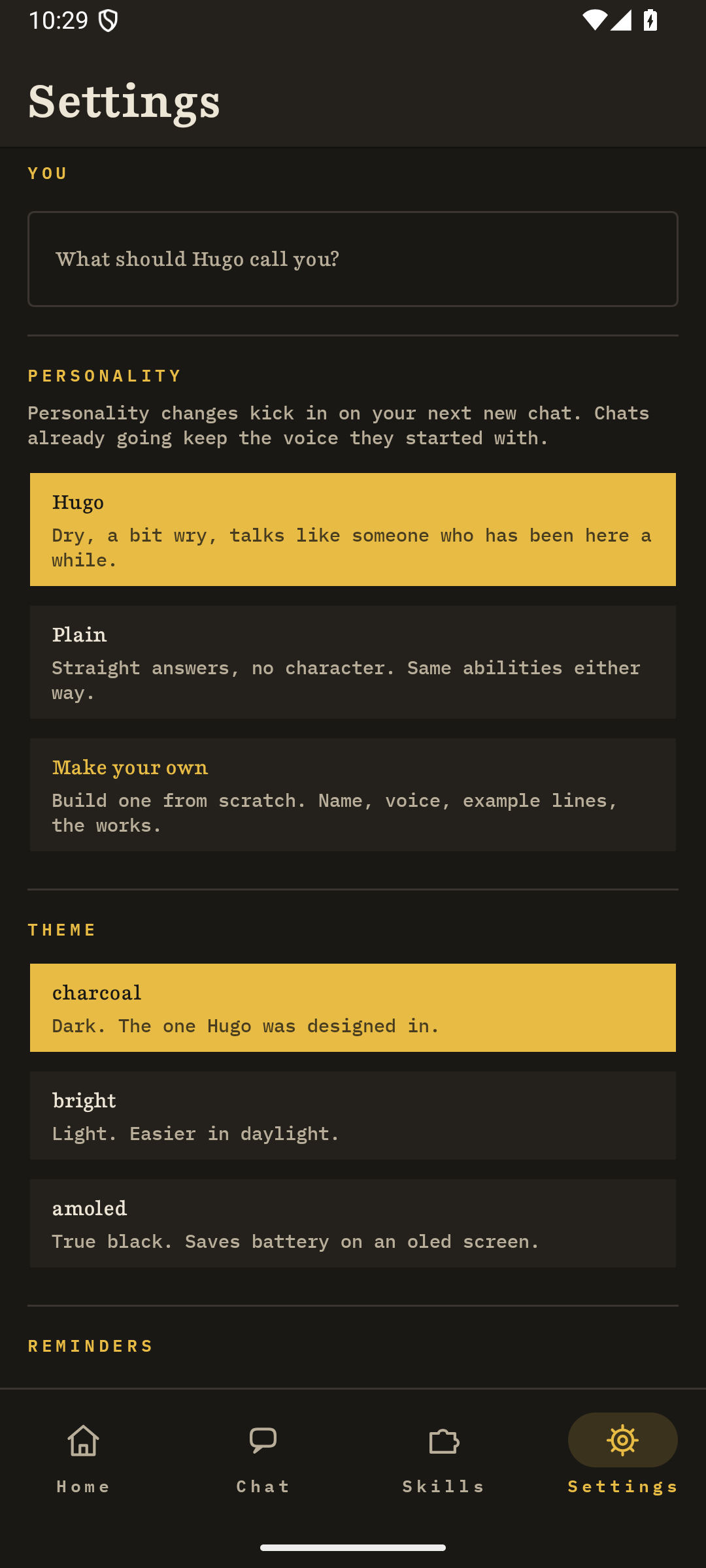
Real app, real screens
Private does not mean vague
The core and the optional tools have different boundaries. Hugo says which is which instead of flattening the whole product into one reassuring slogan.
Core text conversation is generated on the device. Tasks, chats, notes, imported documents, and research results are stored on the phone. There is no account, no hosted chat fallback, and Static Hum Studio does not receive that content.
After a compatible model file is installed, core text chat, tasks, notes, and planning work offline. Hugo does not bundle the large model inside the app, so setup comes first.
Opening first-run setup requests the public model catalog from models.statichum.studio. Choosing a hosted model downloads that file. Neither request includes your tasks, chats, notes, documents, or an account.
After setup, web search and Wikipedia lookup are off by default until you turn on web access. Search terms then go to DuckDuckGo or Wikipedia. Research follows the same switch.
Handing Hugo a link asks it to fetch that site directly. Voice uses the speech recognizer and text-to-speech engine selected on your phone, and those services may use the network. These paths are named in the privacy policy because a network path should not be invisible.
Current product state
Tasks, on-device chat, notes, local note recall, URL import, opt-in web search, and guided research are in the current implementation. The work now is making setup and everyday use ready for people who did not build the thing.
No pretend signup box
Email updates for Hugo are coming soon.
When there is a real list to join, this page will say so.Before you install a model
Yes. Once a compatible model file is installed, Hugo generates core text chat replies on your phone instead of sending them to a server. Tasks, chats, notes, imported documents, and research results are stored on the device too.
No. Hugo has no account, no login, and no hosted chat fallback. Static Hum Studio does not receive your tasks, chats, or notes.
Very little, and only for named actions. First-run setup requests the model catalog from models.statichum.studio, and downloading a model pulls that file. Turning on web search or Wikipedia sends your search terms to DuckDuckGo or Wikipedia, and handing Hugo a link fetches that page directly. None of these include your tasks, chats, notes, or documents.
No price has been set yet. Hugo is unreleased software still in development, and it is not on the Play Store or any other app store.
Hugo does not bundle a model inside the app. During setup you pick a compatible model file from a hosted catalog, and that model is what runs on your phone for core chat.
Looking for something you can use today?
Return to Products