The quieter technical corner

Home Lab

Tools for the machines you keep, the hardware you watch, and the questions worth answering before you build.

Three jobs on the workbench

Start with what you need to do.

The Home Lab gets a little more technical than the main Products room, but you should not need a decoder ring to find the door. Each project begins with the human problem. The implementation details can wait their turn.

Active Android development

SlipShell

Reach the computer you left running.

Open a real shell from your Android phone, find the host you need, and take care of the thing that could not wait until you got back to the desk.

Android SSH client with saved hosts, private key and password authentication, an SFTP file browser, and reusable command snippets. Tailscale discovery is there when that is how your machines already meet.

Open SlipShell
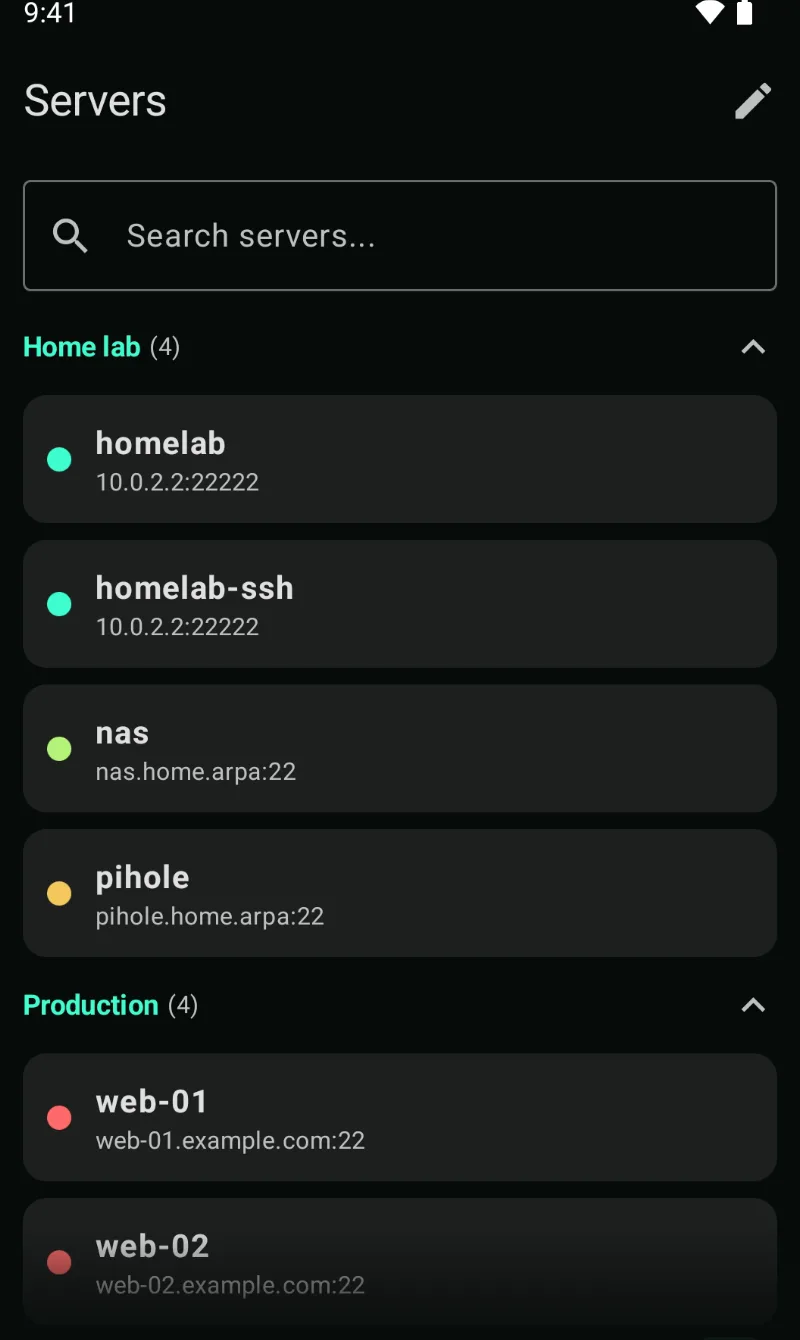
SlipShell Android screen with saved remote servers
Your machines, named and ready.
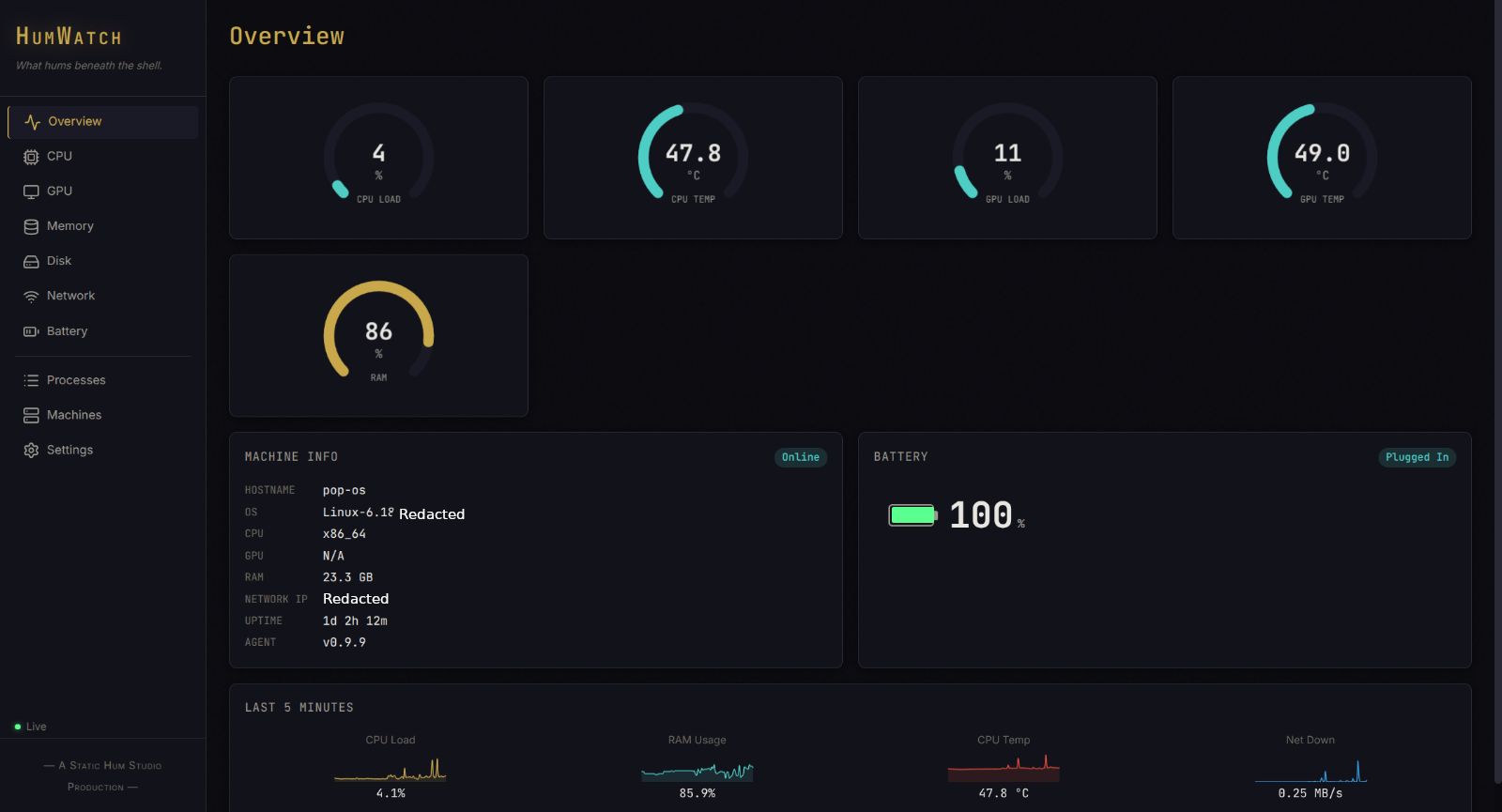
HumWatch browser dashboard with local hardware readings
The machine tells on itself.
Working private release

HumWatch

See the heat before it becomes the problem.

Keep CPU, GPU, memory, disks, fans, battery, and the other useful signs in one browser dashboard served by the machine itself.

Self-hosted Windows and Linux monitoring with local SQLite history, live browser updates, and a view for the other HumWatch machines you choose to connect.

Open HumWatch
Public research method

Signal

Find the wish before you build around it.

Turn scattered complaints, workarounds, and repeated requests into a shortlist you can inspect instead of another confident pile of app ideas.

An MIT-licensed research method, two agent skills, guided prompts, and a worked public site. Every demand claim carries the words people used, the page they came from, and the date it was checked.

Open Signal