It stays connected
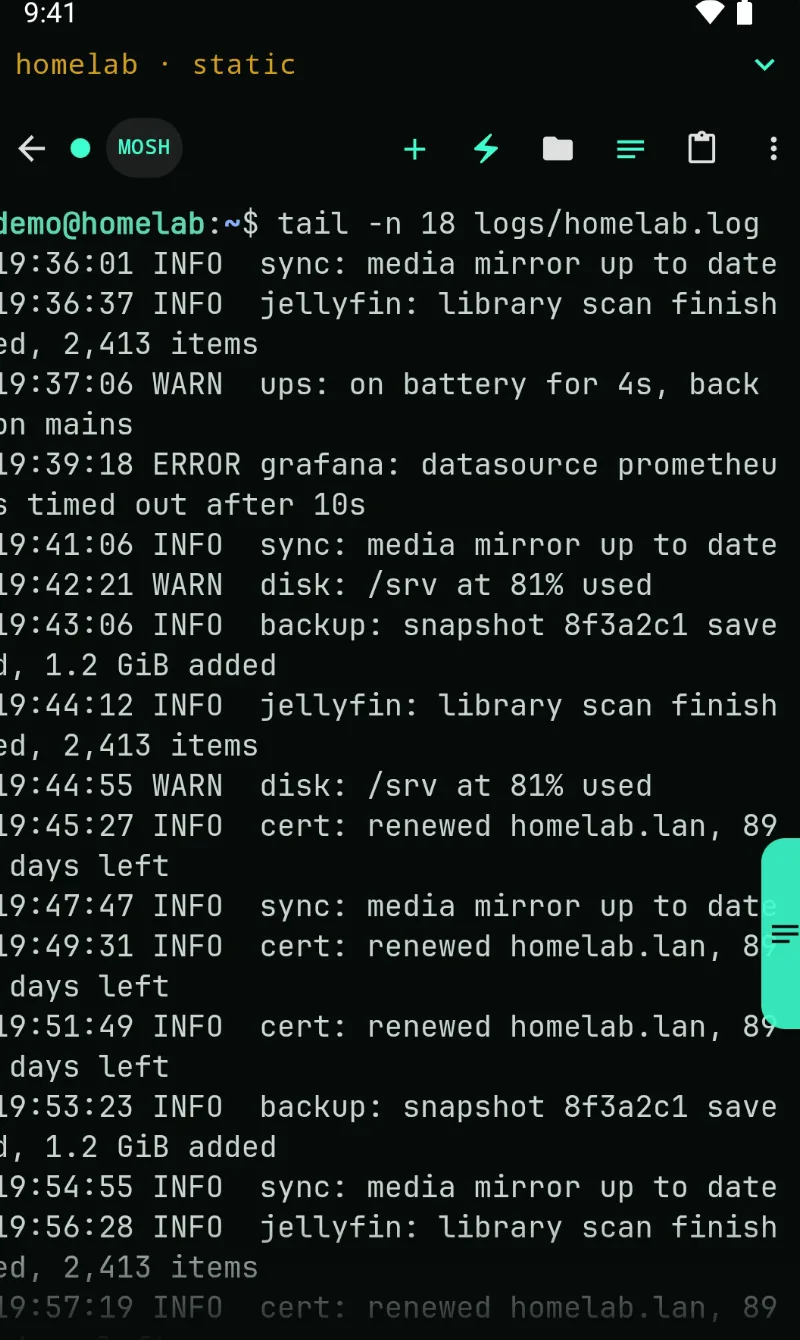
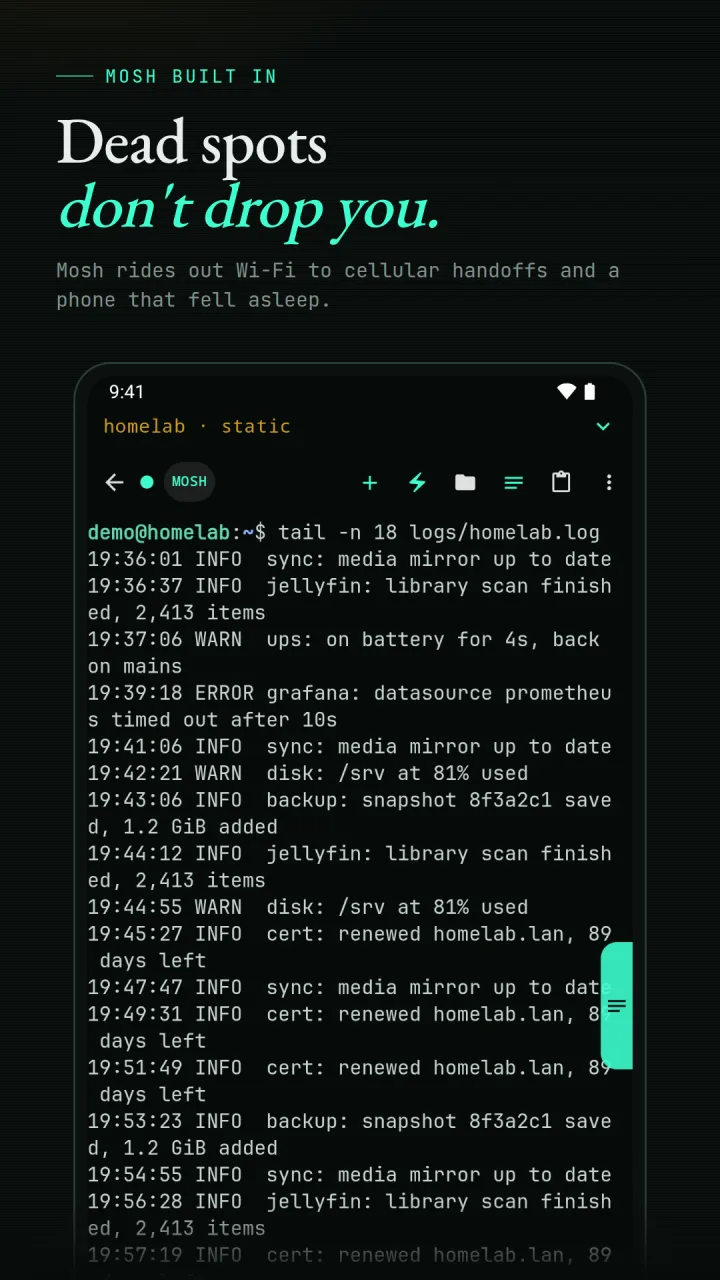
Mosh keeps a session through Wi-Fi to cellular handoffs, dead spots, and a phone that fell asleep. Open sessions stay up in the background while the screen is off, for as long as Android allows.
SlipShell
SSH and Mosh for the machines at home, in the office, or tucked into a closet. Open the shell, move the file, and keep working when the network changes under you.
SlipShell is an SSH and Mosh client for Android, made for people who look after their own servers, home labs, and dev boxes. It does SFTP, port forwarding, and reusable command snippets. It is free on Google Play for Android 8 and newer, with one optional Operator Pro unlock and no subscription, ads, or account.
What it does
SlipShell is not a remote desktop squeezed into a phone. It is built around the terminal jobs that survive the smaller screen and still matter when you are away.
Mosh keeps a session through Wi-Fi to cellular handoffs, dead spots, and a phone that fell asleep. Open sessions stay up in the background while the screen is off, for as long as Android allows.
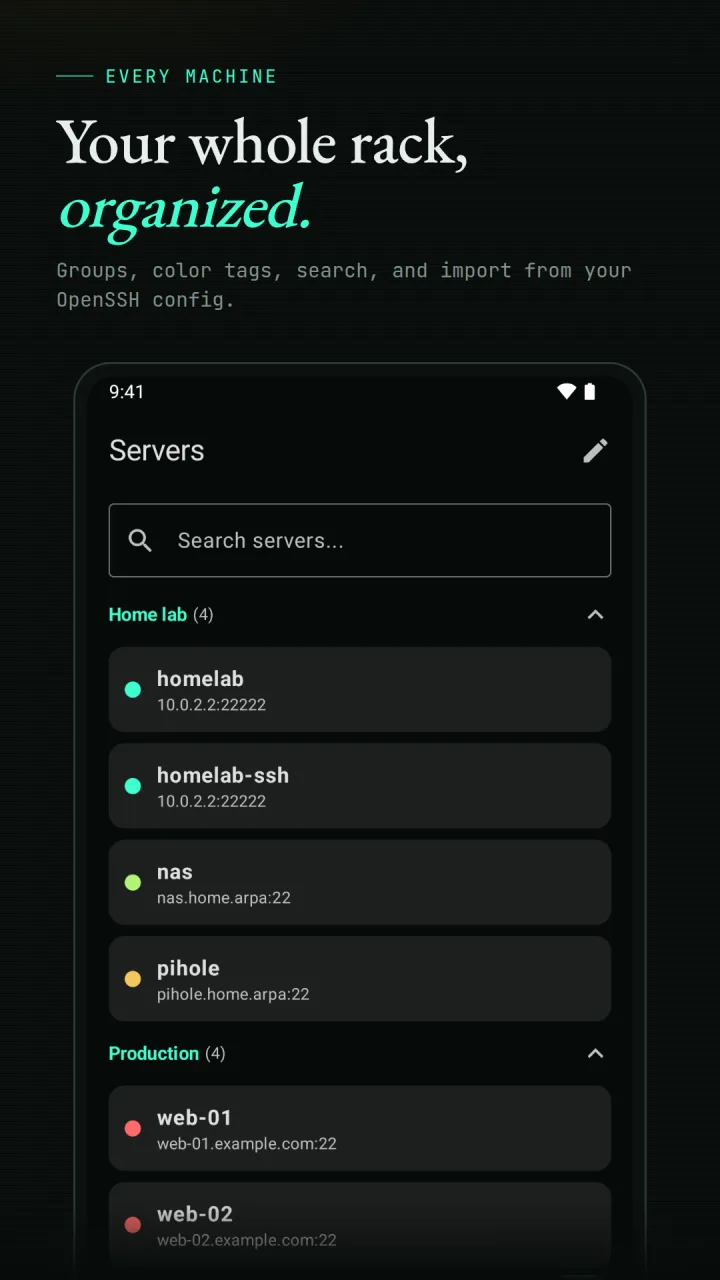
Groups, color tags, search, and drag to reorder. Import hosts from your OpenSSH config, or find machines on your local Wi-Fi without typing an address.
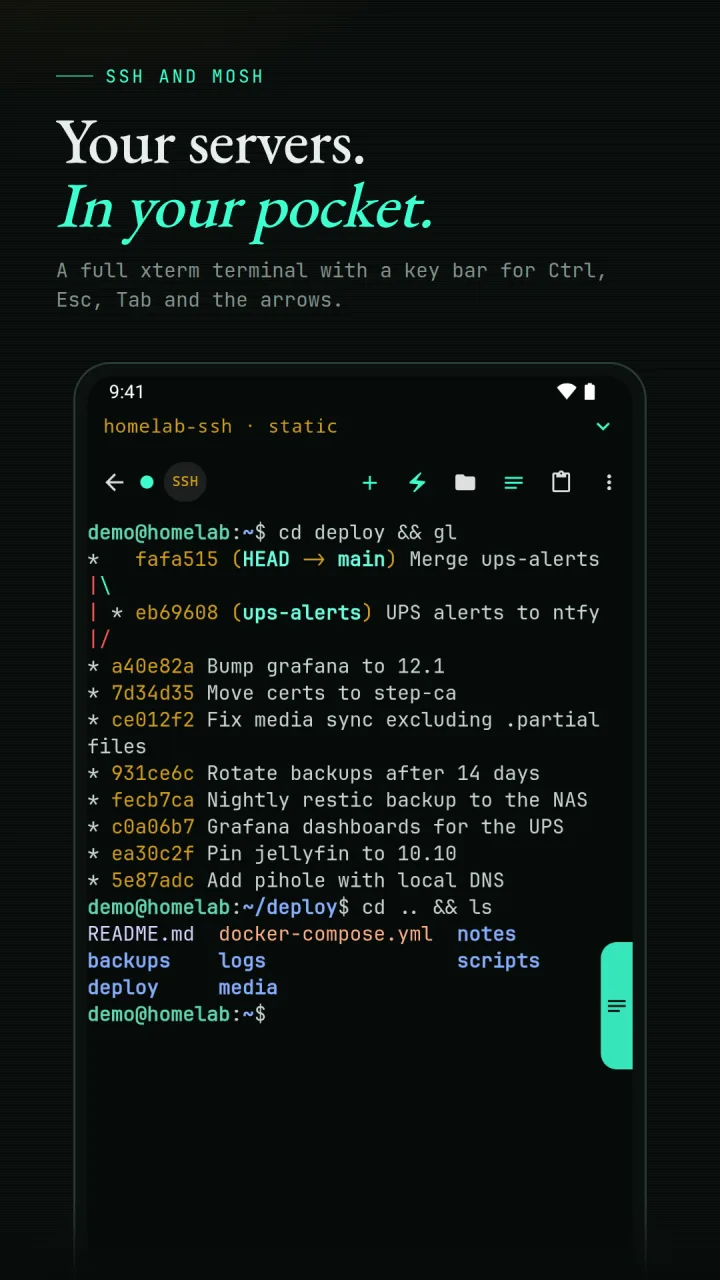
A full xterm terminal with a key bar for Ctrl, Esc, Tab, and the arrows. Search the scrollback, and export a transcript when you need a record of what happened.
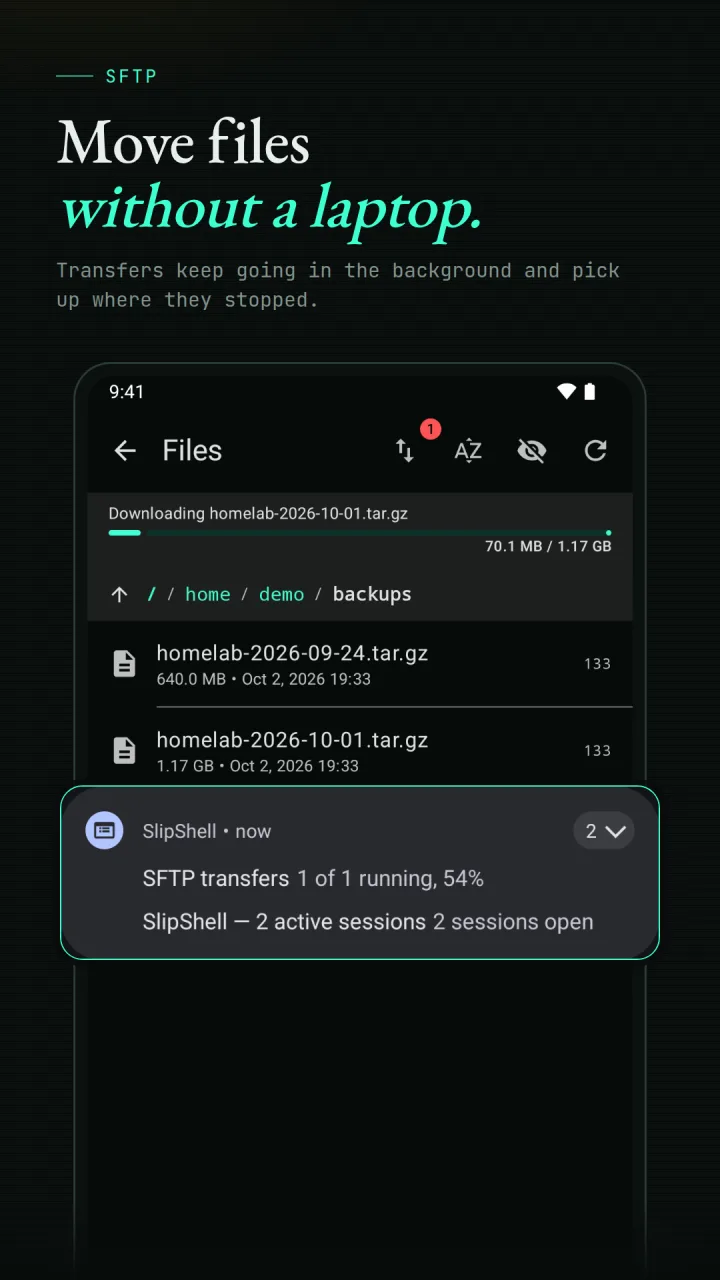
Browse over SFTP, move files in either direction, and edit text files in place. Transfers keep going in the background, and an interrupted one resumes instead of starting over.
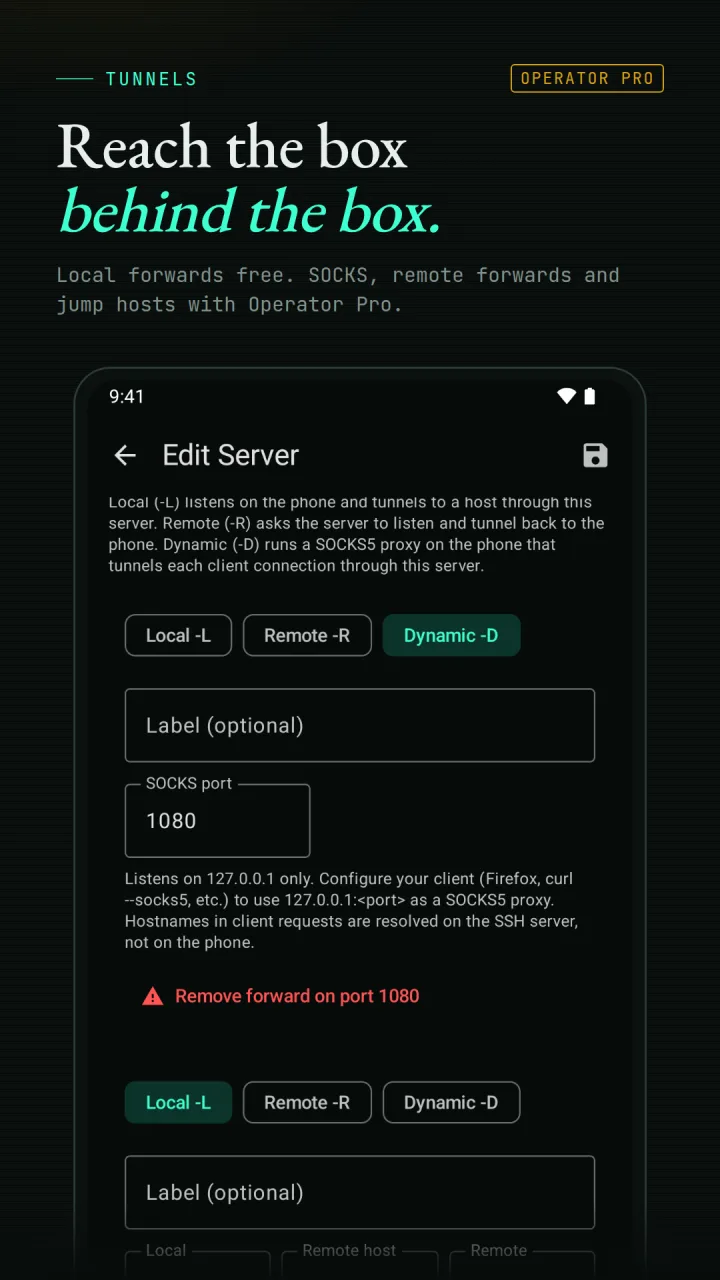
Local port forwarding reaches a service on the far side of a connection. Operator Pro adds remote and dynamic SOCKS forwards, and jump hosts for machines hidden behind another one.
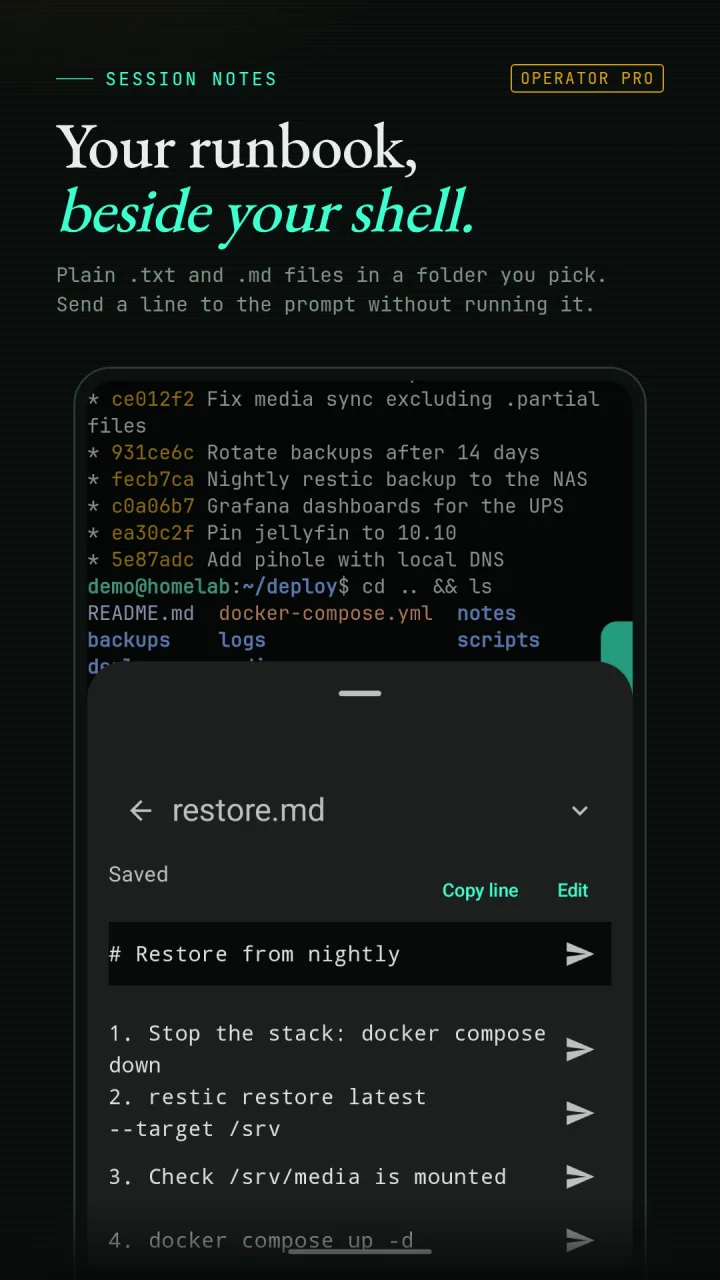
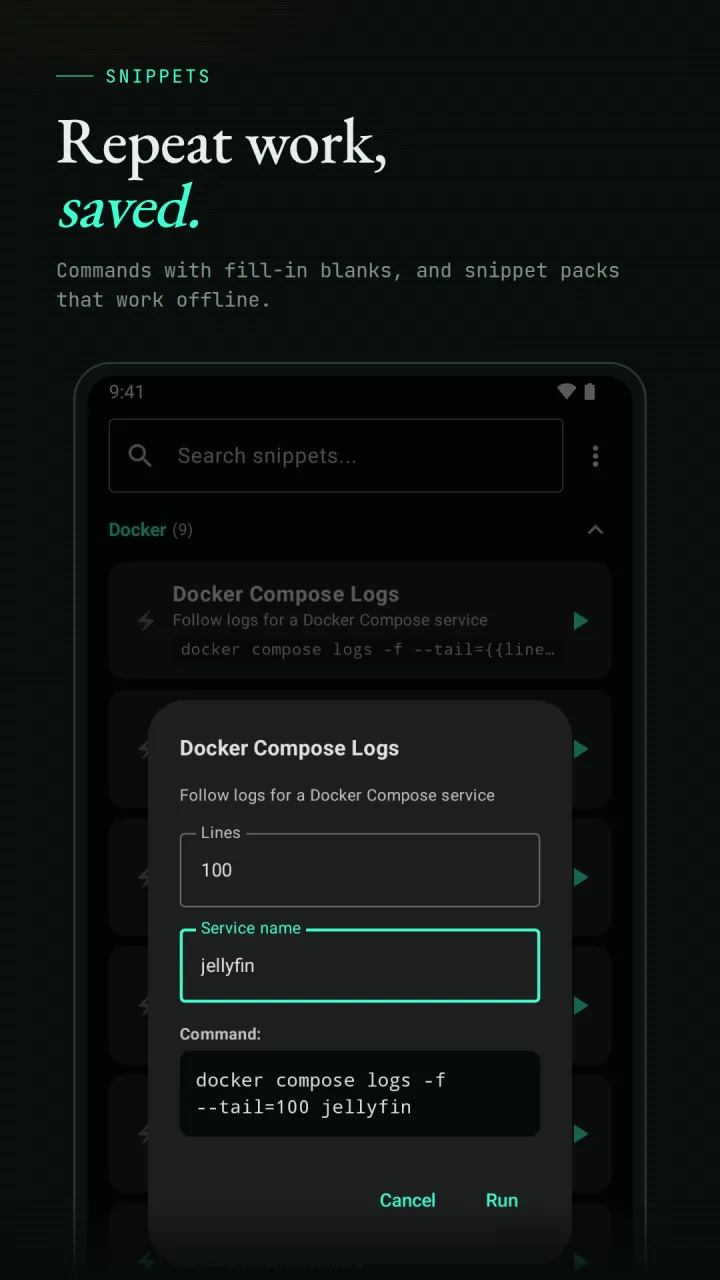
Save the commands you run again and again, with fill-in parameters for the part that changes. Ready-made snippet packs work offline.
Real build, real screens
Bring your own route
SlipShell connects by hostname or IP like any SSH client. It finds machines on your local Wi-Fi without typing addresses, and Operator Pro adds Tailscale device lookup with your own Tailscale API key. Both are conveniences, not requirements.
Trust belongs close to the connection
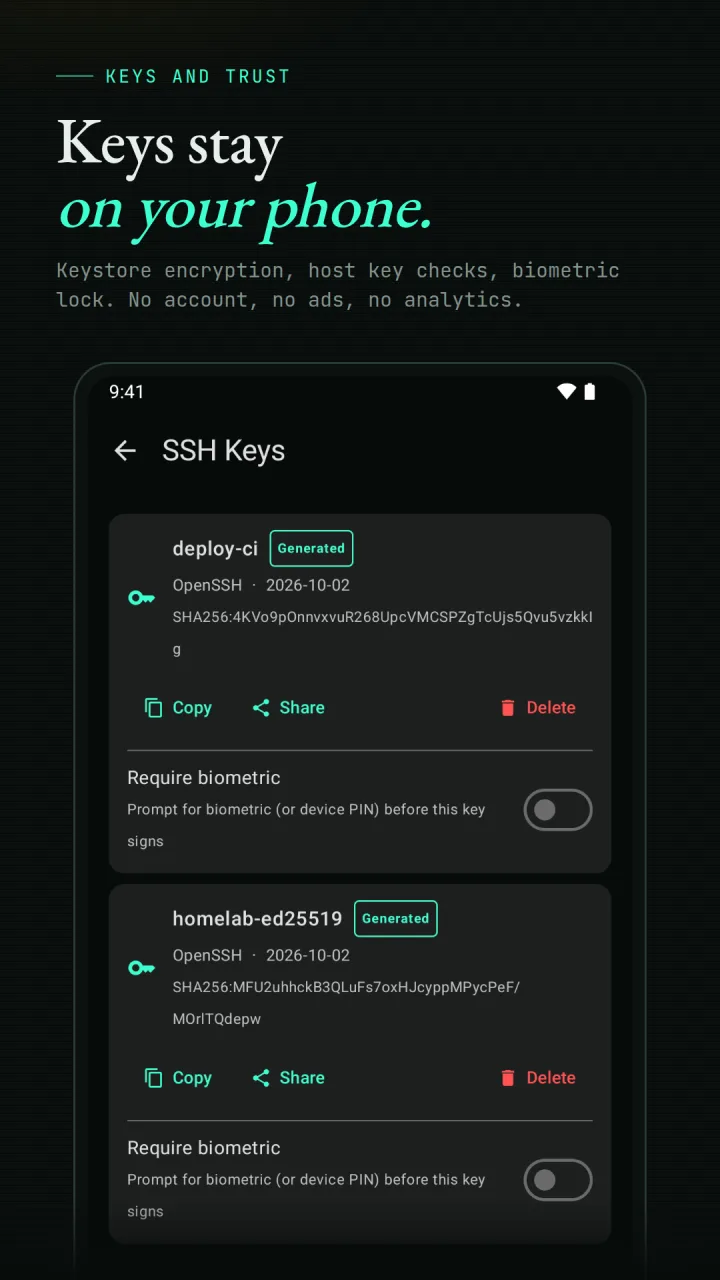
Passwords and keys are encrypted on the device with a key held by the Android Keystore, and left out of Android backup. A new host shows its fingerprint before you trust it. There is no account, no ads, and no analytics. Your servers live on your phone, not on a SlipShell server.
Free, plus one unlock
Operator Pro is a one-time purchase inside the app. No subscription, no trial clock, and nothing you already use goes away if you never buy it. Google Play shows the current price for your region.
Before you SSH in
Yes. SlipShell is free on Google Play for Android 8 and newer. There is no account to create and no sign-up.
It is free to install and free to keep using. Operator Pro is one optional purchase, bought once, with no subscription and no ads. Google Play shows the current price for your region.
Mosh is a remote shell built to survive a moving phone: Wi-Fi to cellular handoffs, dead spots, and a screen that went to sleep. You choose SSH or Mosh for each server. Mosh needs mosh-server installed on the machine you connect to, and if it cannot start, SlipShell can carry on over plain SSH and tell you why.
Yes. Browse remote files, upload, download, rename, delete, make folders, and edit text files in place. Transfers keep going in the background with progress in a notification, and an interrupted one keeps its progress so you can resume it.
Passwords and keys are encrypted on the device with a key held by the Android Keystore, and they are left out of Android backup. A new host shows its key fingerprint before you trust it, and you can lock the app behind your device biometrics.
Yes. SlipShell connects by hostname or IP like any SSH client, so a tailnet, VPN, or LAN address all work. Operator Pro adds Tailscale device lookup, which lists your tailnet machines by name using your own Tailscale API key. A tailnet is never required.
On Google Play
Free for Android 8 and newer. Questions or bugs go to [email protected].